The Last Mac
Organizer You'll Ever Need.
AI-powered file management that works while you focus on what matters.
100% local, 100% private
Three Pillars of Organization
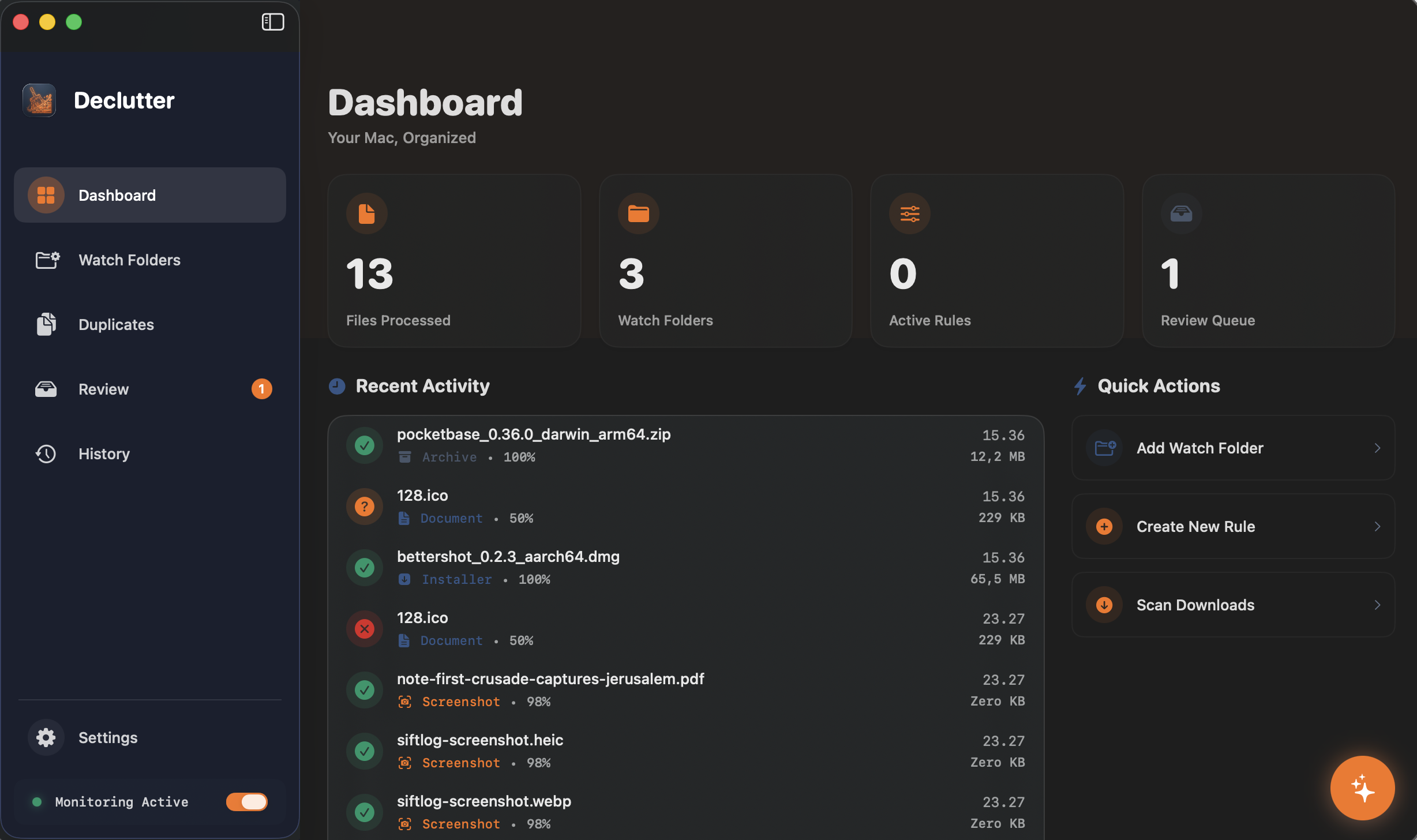
Declutter combines system-level monitoring with local AI vision to understand your files like a human would.
The Sentinel
Always-On Monitoring
Sits quietly in your menu bar, watching for new file changes in real-time. Zero configuration required.
Listening to ~/Downloads...The Clerk
Intelligent Classification
Uses 3-tier classification: Extensions, Visual Analysis (Vision Framework), and Semantic Understanding.
The Companion
Local AI Search
Ask natural questions like "Find that receipt from last Tuesday". Powered by local Qwen 0.5B model.
"Invoices > $500"100% Local Processing
No file data, thumbnails, or search queries ever leave your Mac. We use on-device Apple Neural Engine for all AI tasks.
Your Key Advantages Over Claude Cowork
Up and Running in 3 Minutes
No complicated setup. No learning curve. Just install, point to your folders, and let AI do the rest.
Choose Your Folders
Grant Declutter access to the folders you want organized—Downloads, Desktop, or any custom location. Your files stay on your Mac.
AI Learns Your Files
Our local AI scans file contents, reads text from images, and understands context. No cloud, no uploads, just on-device intelligence.
Watch the Magic
Files automatically move to the right folders based on your rules. Invoices go to Finance, screenshots to Screenshots, projects stay grouped.
Still have questions? Check our FAQ
Built for Your Real-World Workflow
Declutter isn't just about moving files—it's about reclaiming your time and mental space.
The 'Downloads' Black Hole
Everything goes there and never leaves. Declutter identifies installers, zip archives, and screenshots, moving them to specific folders.
Creative Asset Management
Photographers and designers can have RAW files, PSDs, and exports sorted by project name or file type without lifting a finger.
Financial Archiving
Instantly detect invoices and receipts using local OCR and NLP. Automatically rename them and file them into your 'Tax 2026' folder.